Friday, October 23, 2026

Google Photos Takeout: What Stays

Unzip your first Google Photos Takeout and the pictures are not the strange part. The strange part is the second file that turns up beside them. Google's help page says anything that is not part of the original photo, such as comments, is saved to a separate JSON file. Delete your library before you know that and you are trusting a copy you never opened.
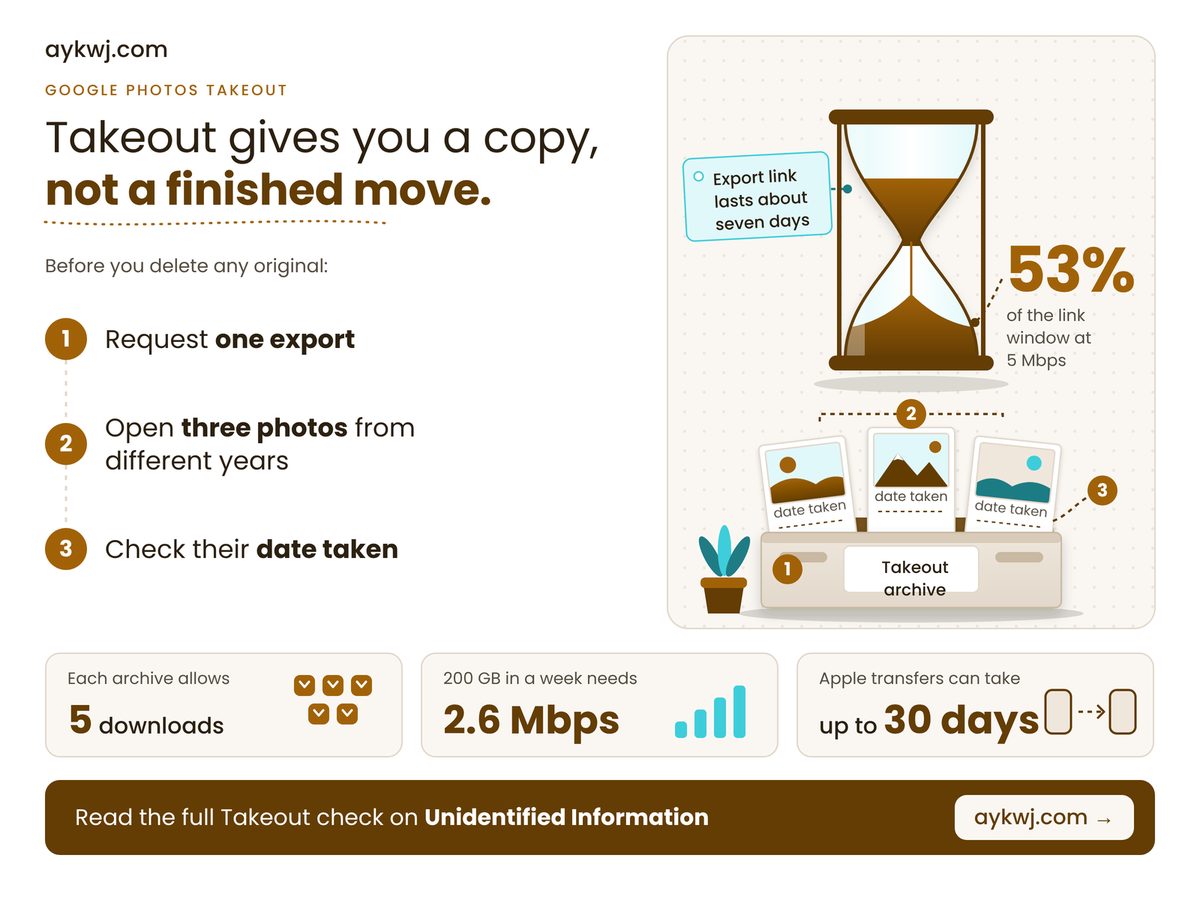
Google Photos Takeout crate of three photo prints beside an hourglass

TL;DR: Takeout gives you a copy of your photos, not a finished move, so open the copy and check it before you delete any original.

  • Original capture dates sit in each file's embedded metadata, not necessarily in the file date.
  • Export links last about a week, so a slow line can force a second export.
  • Apple's transfer skips Live Photos and original versions of edits, and will not run with Advanced Data Protection on.

Why does every Google Photos Takeout come with JSON files?

Because Takeout stores anything that is not part of the picture file itself, such as comments, in a separate JSON file, so a photo can arrive with a companion that should stay beside it. Move the pictures without it and that extra context is lost. A file readable in only one app is how formats outlive their makers, and what happens to your Microsoft Publisher .pub files shows the cost.

The original dates survive, just not in the file date. Google's Photos help page says your operating system can stamp the file with a new timestamp, while the original date stays in the embedded metadata. A tool that reads only the file date can pile years of pictures onto the afternoon you unzipped them. Sort by date taken instead.

The Apple route has the same shape. Apple's transfer page, published 29 September 2026, says shared albums, smart albums, Live Photos and some metadata are not sent, and only the latest edit of a photo goes across, not the original. Most transfers take three to seven days, and iCloud is left as it was. Advanced Data Protection, Apple's end-to-end encryption option, blocks the export while it is on, so you choose between encryption and the copy. For the wider fight over leaving a provider, see EU Data Act cloud switching costs. Cancelling storage the moment a progress bar finishes is outdated advice.

Four numbers decide whether a photo export finishes. Two are published limits, read in October 2026, and two are our arithmetic on a hypothetical 200 GB library.

Apple's Slowest Transfer

30 days

Keep iCloud until it lands

Album Cap On Google

20,000 photos

Extras copy but skip the album

Archives From 200 GB

4 archives

Derived from 50 GB archives

Slowest Line That Works

2.6 Mbps

Derived: 200 GB in one week

The slowest-line figure is the one to question. It is not a published limit: it divides the library's megabits by the seconds in a week and assumes the line never pauses. A household that streams in the evening needs headroom, and we would plan on double.

"

Google's help pages do not say how edited or motion photos are exported. Until they do, open a few of yours before deleting anything.

What should you check before you delete anything?

Four situations change what you should do, namely big libraries, accented file names, Apple's Advanced Data Protection and slow connections, and the table below gives each one action plus a default for everyone else. Find the row that sounds like you and read across.

If youDo thisBecause
๐Ÿ“Š Big librarySet archive size to 50 GBFewer archives to track and re-download
๐Ÿ›  Accented namesChoose zip, not tgzTgz names cannot hold Unicode
๐Ÿ”’ Apple ADP onWeigh encryption against the copyApple blocks the export while it is on
⏱ Slow lineMultiply your GB by 0.0132Gives the minimum Mbps for one pass
๐Ÿงพ Anyone elseOpen 3 photos; check date takenGaps show while the source exists

Read down the middle column and one pattern shows: every action is cheap now and impossible later, once the source is gone.

Share of a 168-hour link window used by 200 GB 50 Mbps 9 h, 5% 10 Mbps 44 h, 26% 5 Mbps 89 h, 53% 2 Mbps 222 h, 132% Full bar = 168 hours, one week

Can your line finish a 200 GB download before the link lapses? At 5 Mbps it uses about half the week, and at 2 Mbps it cannot finish. The bars are our arithmetic, 200 GB × 8 ÷ speed against 168 hours, and assume a flat-out connection, so read them as best cases.

Worked example: take a hypothetical 200 GB library and 50 GB archives, so 200 ÷ 50 = 4 archives. The download is 200 × 8 = 1,600 gigabits, or 1,600,000 megabits. A week is 7 × 24 × 3,600 = 604,800 seconds, so on these assumptions the line must average 1,600,000 ÷ 604,800 = 2.6 Mbps. Multiply your own gigabytes by 0.0132 for your number, then compare it with a speed test taken on a busy evening.

How long does a Google Photos export link last?

Google's account help page says each export archive expires in about seven days and allows five downloads, after which you must request another, so a stalled download can force a fresh export. These are the limits as of October 2026.

The same page offers zip or tgz. Zip opens on almost any computer, while tgz may need extra software on Windows and cannot carry Unicode characters in file names. We would take zip every time.

A phone that might be reset in a repair is the same problem on a deadline: what the EU right to repair owes you covers the rights, and the export covers your photos. Four traps remain.

  • Names: Apple says transferred albums and videos arrive with names starting 'Copy of', so they sort under C.
  • Late changes: Google says photos added or deleted after you request an export may not appear, so request again if you kept shooting.
  • Rolling backups: Google can schedule an export every two months for a year, but only with Google Photos selected alone, and not under its Advanced Protection Program.
  • Motion and edits: neither company explains how every Live Photo or edited copy is handled, so test one of each.

Check these against your own library

  • Free space on your drive is smaller than your library, so the archives cannot all land.
  • Your photo viewer sorts by modified date, so your timeline will collapse onto the download day.
  • You rely on shared albums or comments, which Apple does not send and Google keeps in JSON.

The decision is whether to delete the originals, and the answer is not yet. This week, request one export, download every archive the day it is ready, then open three photos from different years and read the date taken. Delete only when those dates match, the archive count adds up and, on the Apple route, the transfer has finished.

How we checked this

We read three vendor pages: Apple's Transfer a copy of your iCloud Photos (published 29 September 2026), Google's How to download your Google data and the Photos version of that help page (both undated, read 24 October 2026). The worked example assumes a 200 GB library, 50 GB archives and a connection running flat out. No product was tested hands-on for this article. Last verified: 24 October 2026. Edited by G Ragu, reviewed after publication. Spotted something out of date? Tell us and we will correct it.
Wednesday, October 21, 2026

Your PUB Files Outlive Publisher

You double-click the flyer you reuse every spring and Publisher refuses to open it. Nothing is corrupt and nothing needs repairing: since 1 October 2026, Microsoft 365 no longer opens or edits pub files at all, and a reinstall will not bring the app back. Your files are intact. What vanished is the only program that could edit them, which is the oldest problem in owning your own data, a file format that belongs to its maker.

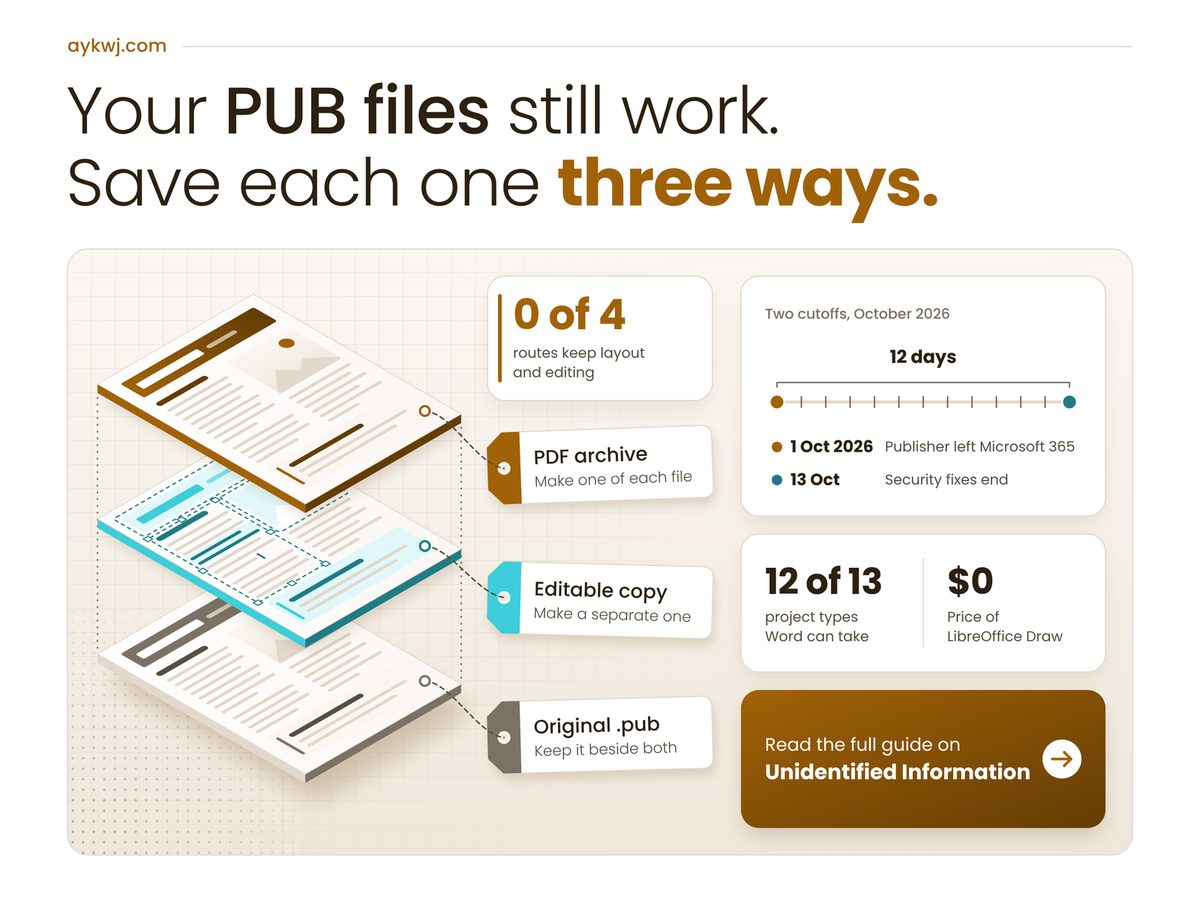
Exploded diagram of .pub files saved three ways: PDF archive, editable copy, original

Key Takeaways

Your Publisher documents still work; make a PDF archive and a separate editable copy of each one, and keep the original beside both.

  • Microsoft 365 lost Publisher on 1 October 2026; Office 2021 and LTSC 2021 installs still run, unpatched.
  • LibreOffice Draw opens Publisher documents for free and saves an editable OpenDocument copy.
  • No route keeps both the exact layout and full editing.
  • Rebuild anything you reuse yearly once in Word or PowerPoint.

Can you still use Microsoft Publisher after October 2026?

Only with a perpetual copy: Microsoft 365 subscribers lost Publisher on 1 October 2026, while Office 2021 and Office LTSC 2021 owners can keep installing and using it, though without security fixes after 13 October 2026.

The wording matters here. Microsoft's retirement notice, last updated on 6 October 2026, says subscribers "will no longer be able to open or edit Publisher files in Publisher". So the subscription you still pay for no longer reads documents you made with it. The same page says perpetual owners "will still be able to access and edit" their files, which turns a forgotten Office 2021 install into the most useful thing you own this month. An unpatched app is fine for one evening of Save As; it is a poor place to open strangers' attachments for years. That is the same bargain behind paying for Windows 10 extended security updates: old software keeps running, and the risk quietly moves to you.

Microsoft offers conversion, not continuity. Its guidance maps each Publisher project to Word or PowerPoint, and most of yours will land in Word. The EU is only now writing exit rights into law for switching cloud providers under the Data Act; desktop file formats have no such rule.

Gap Between the Two Cutoffs

12 days

Derived: subscribers lost access first

Price of LibreOffice Draw

$0

Runs on Windows, Mac and Linux

Places Microsoft Says to Search

3

PC, OneDrive and SharePoint hide copies

Project Types Word Can Take

12 of 13

Only banners, signs and posters skip it

The search figure is the one to act on today. A forgotten file in an old OneDrive folder tends to surface after the last Office 2021 laptop has gone to a recycler. Run the .pub search and write down the count: that number, not the format, decides how you convert. Under a dozen, do them by hand this week. Into the hundreds, you need Microsoft's PowerShell script, which needs "a working and licensed version of Publisher installed", exactly what subscribers just lost.

"

Twelve days separated the two cutoffs, and the people still paying Microsoft were the ones cut off first.

How do you open PUB files without Publisher?

Open them in LibreOffice Draw, which imports Publisher documents and saves an editable OpenDocument copy, but first save a PDF from any surviving Publisher install, because that PDF is the most exact record you will get.

The Document Foundation, writing on 14 October 2026, calls Draw "the quickest way to open, view, edit and manage Publisher documents", through the same libmspub import library Scribus uses. Office Watch is blunter about the PDF: it is "the most faithful copy you'll ever get but it has very limited use for editing." Find your situation below and read across.

If you have Do this Because
Office 2021 Batch-save every file to PDF No security fixes after 13 October
Only Microsoft 365 Open each file in LibreOffice Draw Publisher left 365 on 1 October
A yearly flyer Rebuild it once in Word Ends converting it every year
A 24-page magazine Import it into Scribus Draw suits short documents
Any other file Keep the .pub beside its copies Draw cannot save back to .pub

Read the table as an order of work, not a menu. The PDF comes first while a Publisher install still exists, and the editable copy comes second, from Draw or a rebuild. Draw is one-way, so the original stays as your master copy.

Routes keeping layout and editing: 0 of 4 PDF from Publisher Keeps: the exact layout Loses: all editing Needs: Office 2021 LibreOffice Draw Keeps: editing, as .odg Loses: missing fonts Needs: one download Word, via the PDF Keeps: the text Loses: complex layout Needs: Microsoft Word Scribus Keeps: long layouts Loses: an open standard Needs: a separate install

No single route keeps both the exact layout and the freedom to edit, so the PDF can never be your only copy. The tally is this article's own, derived from the sources quoted in this section.

Where conversions break, and how to catch it

Conversions usually break on fonts, linked text boxes and tables, so install the original fonts before opening anything, then compare every page that uses linked frames or tables against the PDF you saved first.

Office Watch puts it plainly: "Fonts are the most common problem." When a heading changes shape, the font is probably missing from your computer, not lost from the file. Install it and reopen. Its second warning matters more: "linked text boxes, tables and fancy effects are where conversions usually break", and a newsletter is mostly linked boxes. Word fares worse on those pages, since it "isn't a page layout tool".

Here is my grey area, and it is opinion rather than anyone's guidance. Microsoft says third-party conversion services "vary in quality and capabilities" and that it does not support them. It says nothing about privacy. I would not upload a membership list or a client invoice to any of them. Desktop software converts offline, the same logic as the EU right to repair rules: what you own should stay fixable by you.

  • Test one harmless file before trusting a folder to any converter.
  • Check page count and images against the PDF, not memory.
  • Keep a PDF of Scribus work too: The Document Foundation notes Scribus "does not use a standard document format".
Check these four before you convert Word's File, Account page names Office 2021 or LTSC 2021, not Microsoft 365 Every font the file uses appears in this computer's font list You know which pages use linked text boxes, and you will check those first Nothing inside is an address you would refuse to email to a stranger

So the decision is not which app replaces Publisher; it is whether each file gets its PDF before the last install that can make one disappears. Do this weekend: run the .pub search, write down the count, save a PDF of each file from any Office 2021 copy you can borrow, then open the originals in LibreOffice Draw and keep all three versions in one folder.

Thursday, October 15, 2026

EU Right to Repair: What's Owed

The charging port quit first, then the screen lifted at one corner, and the shop's quote crept toward the price of a new phone. Before you accept that, know that the EU right to repair gives you a claim on the maker itself, for covered products, from 31 July 2026.

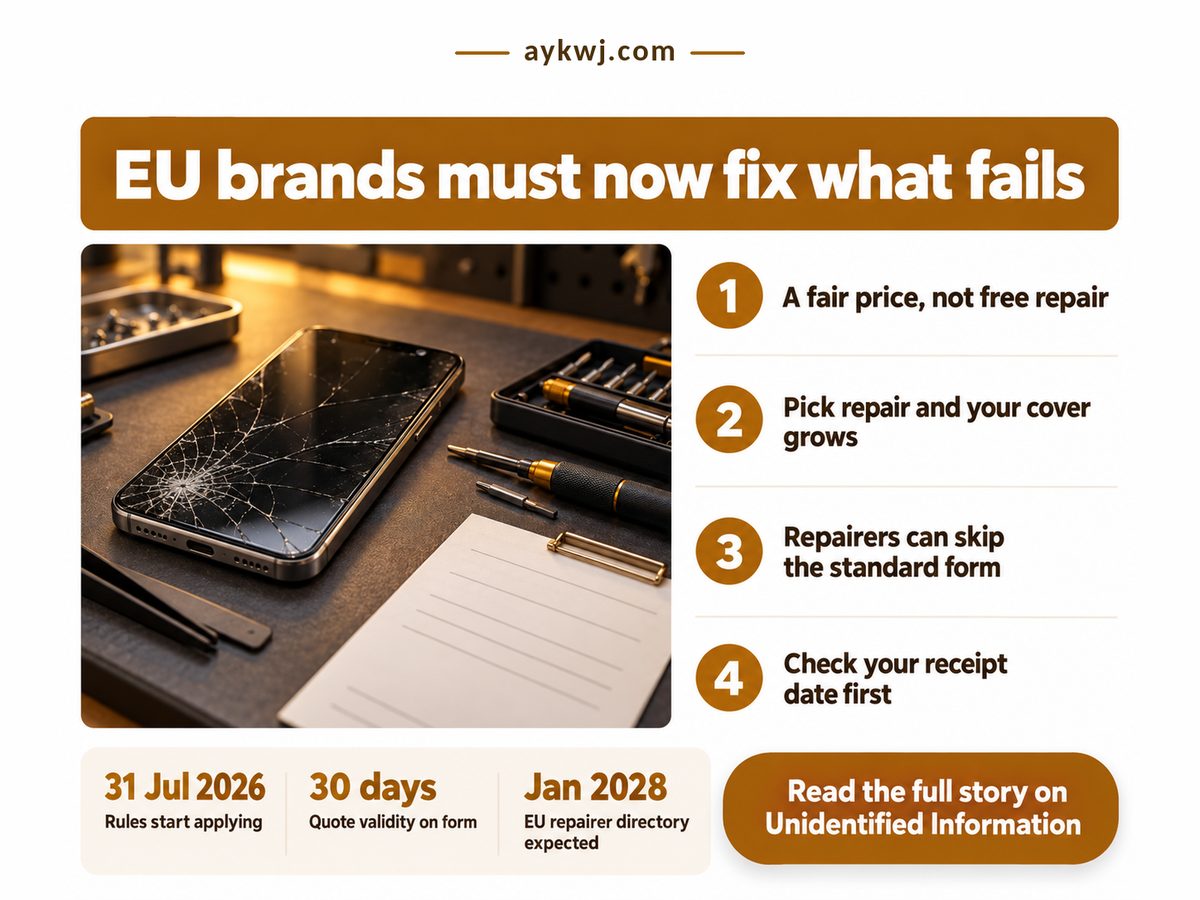
EU right to repair poster with a cracked phone, screwdrivers and a quote form

TL;DR: you are owed a repair at a fair price, not a free one.

  • Covered makers must repair within a reasonable time, so ask for a written quote first.
  • Choosing repair over replacement adds an extra year of legal guarantee.
  • A repairer's standard quote form is optional, but once offered its terms hold while you compare.
  • In Germany the longer warranty window needs a purchase from 31 July 2026 or later.

What does the EU right to repair oblige a maker to do?

A maker of a covered product must repair it within a reasonable time and for a reasonable price, so the duty is a fair-priced fix, not a free one. The European Commission's page on Directive (EU) 2024/1799 (read 16 October 2026) says the rules apply from 31 July 2026, which means the maker, not just the shop, is now someone you can ask.

Hardware, software or contract barriers to repair are prohibited unless justified by “legitimate and objective factors”, the Commission adds. A pairing lock can therefore be challenged, but “justified” is an escape hatch, so expect no automatic win. For a blunter approach, see how parts-pairing bans in US states set hard dates.

Which products? The full Annex II list is unverified here, because the EUR-Lex text would not load. Ireland's consumer regulator, the CCPC, published guidance on 7 September 2026 naming starter products that include mobile and cordless phones, tablets, e-bikes, e-scooters and external hard drives. A storage drive is in scope for repair, but repair is not data recovery, so keep a copy (that last point is my inference, not the rule). Check the current annex before relying on any list.

Four numbers decide whether you can plan a repair. The Commission sets the quote window on its standard form. A 2024 Council of the EU note (ST 6153/24, background only) describes that form as free. The CCPC counts the starting product types. Germany, per the Verbraucherzentrale consumer advice body, limits how long phone parts may take to arrive.

Quote stays valid

30 days

Time to compare repairers

Standard form fee

€0

Diagnosis can still be billed

Starter product types

11

Your drive may be covered

Phone-part delivery limit

5-10 days

Working days, slower means stalling

The delivery limit is the one to use as leverage. If a repairer quotes a screen part slower than Germany allows for phones, ask for the delivery date in writing, because a stalled part is how a quick fix turns into a replacement. Batteries run on their own clock under the separate EU rule on replaceable phone batteries.

"

Repair is owed at a fair price, not for free. Treat the quote as the start of a negotiation, not a verdict.

Does repairing extend the warranty, and what does a quote cost?

Choosing repair over replacement adds an extra year of legal guarantee, and the quote itself depends on the maker, since the rules require a reasonable price rather than a fixed fee or free work. The Commission says “an extra year”. Verbraucherzentrale puts a number on it: Germany extends the limitation period once by 12 months, from two years to three, only for purchase contracts from 31 July 2026. Germany is the worked example, since each country transposes the directive its own way.

Category Detail What it means
๐Ÿ’ฐ Repair price Reasonable price, never free; diagnosis can be billed ⚠️ Get the figure before you ship it
๐Ÿงพ Quote form European repair information form, optional for the repairer ⚠️ Ask in writing; a refusal is allowed
⚖️ Extra cover One extra year after repair; Germany 24 to 36 months ✅ A repair adds cover, a swap adds none
⏱ Parts clock Phone parts: 5 or 10 working days, by part (Germany) ✅ A slower promise is your leverage
๐Ÿ›  Maker's duty Manufacturer repair obligation, from 31 July 2026 ⚠️ Check your product is on the list
๐ŸŒ Repairer search No EU-wide directory yet; search locally ❌ You find the repairer yourself

My own arithmetic, not a source's: a phone bought on 30 July 2026 and one bought a day later can differ by a full year of cover in Germany, because the cut-off falls on the purchase contract. Read the date on your receipt before you choose. Then set the quote against the price of a replacement, and treat repair as the winner only if it costs less.

36 months. 24 months: statutory warranty. 12 months: added after repair. German example, from 31 Jul 2026.

Pick repair and, in Germany, your claim window grows from two years to three, if you bought on or after 31 July 2026. The 36 months is my own sum of the 24-month statutory period and the 12 months added once (Verbraucherzentrale).

Where can the repair duty still fail you?

The duty can still fail you in four ways: you pay a reasonable price, the quote form is optional, the German year skips earlier purchases, and no EU-wide repairer directory exists yet. On the last one, the Commission expects the European Repair Platform to be operational in January 2028, so for now you find a repairer yourself.

Then the grey area. In my view the “justified” carve-out is the weakest clause in the directive: a maker can dress almost any lock as security, and only a test case will settle it. That is opinion, not a finding.

One more limit. Readers in the UK or India are not covered by this directive, though India has its own yardstick in India's repairability index, which helps decide when repairing beats replacing. Before you hand anything over, watch for these:

  • A diagnosis fee can be charged even if the repair never happens, so ask first.
  • No standard form from the repairer? Get the price in writing anyway.
  • A part promised later than the limit for your product is a flag.
  • A drive repair is not data recovery.

Check these before you choose repair

  • Your receipt is dated 31 July 2026 or later, so the longer German window can apply.
  • The maker or repairer will put a price in writing before any work starts.
  • A new one costs more than the written repair quote.
  • The device holds files you have already copied somewhere else.

This week, find the receipt, read its date, and email the maker (not only the shop) asking for a written repair quote on the standard form. Then decide: repair if the quote undercuts a replacement, because it also adds cover; replace if it does not, and keep the quote as proof of the price you were given.

Home Older Posts